

Free · Private · In-browser · Open source
Create, edit, and optimize images — without uploading a single one.
Free forever, no limits, no ads — your images never leave your browser.
Tools
Popular tools
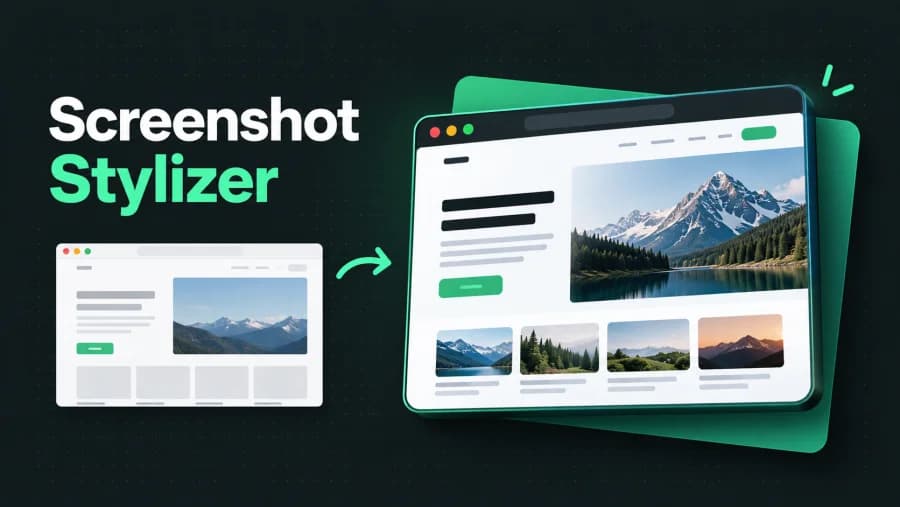
Screenshot Stylizer
Turn flat screenshots into polished visuals with backgrounds, padding, shadows, and device frames.
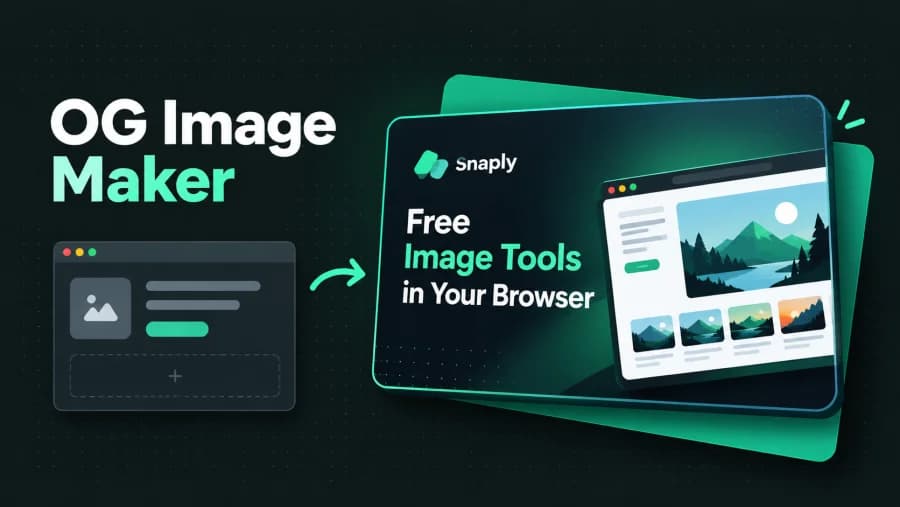
OG Image Maker
Compose a title, subtitle, logo, and screenshot into polished 1200×630 social and blog cards.
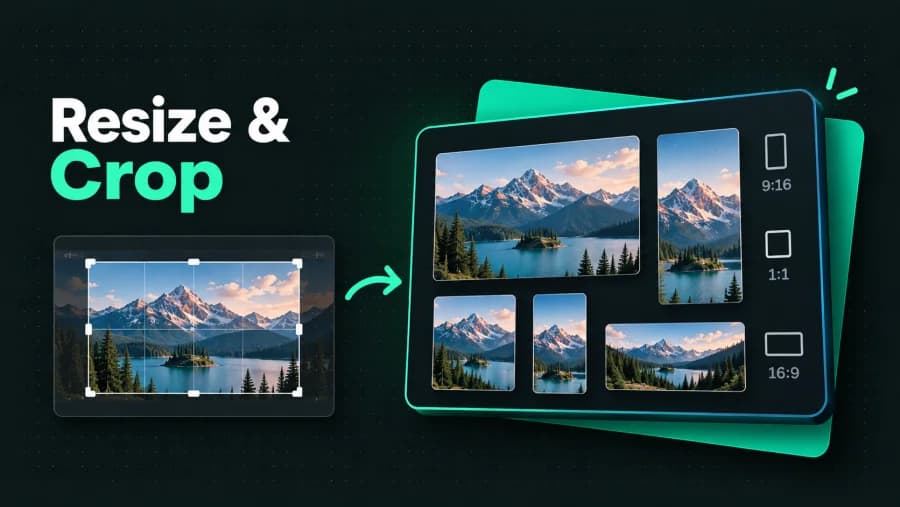
Resize & Crop
Crop to any aspect ratio and resize to exact dimensions or social-media presets.
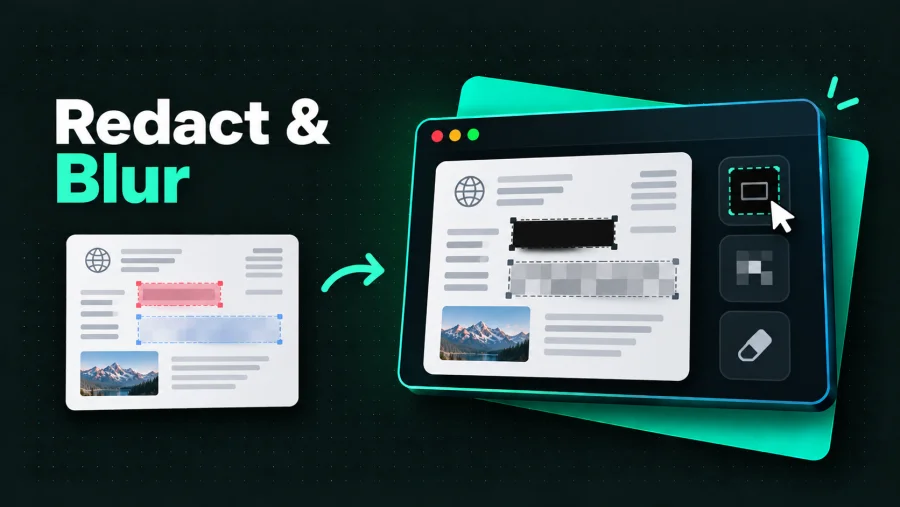
Redact & Blur
Draw regions to permanently pixelate or blur sensitive information.
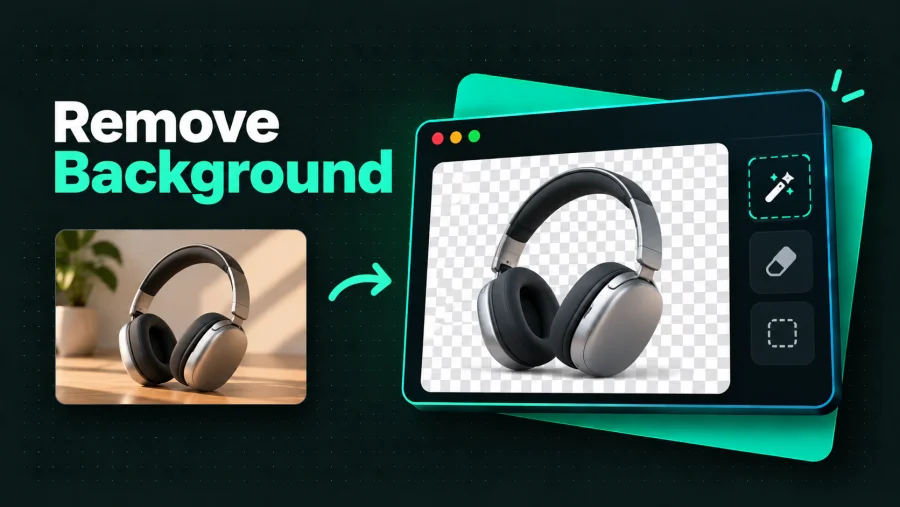
Remove Background
Remove image backgrounds with an in-browser ML model — nothing is uploaded.
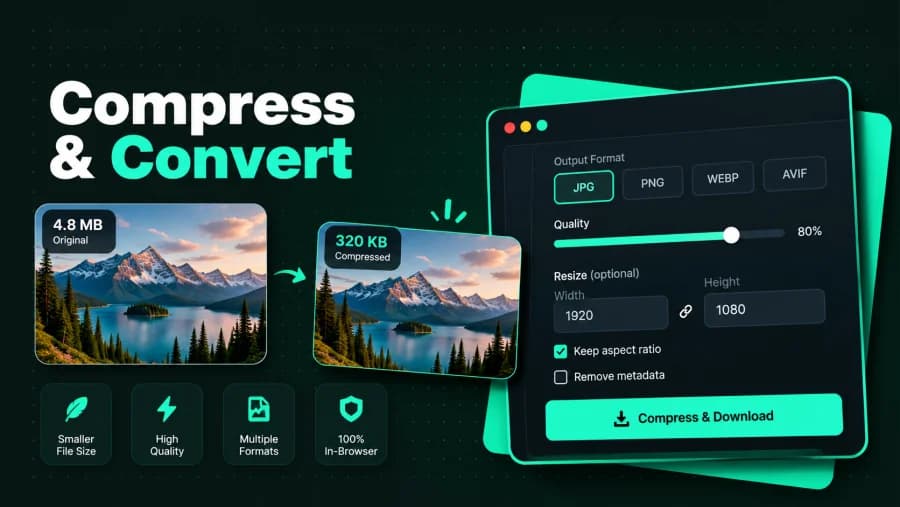
Compress & Convert
Bulk-compress and convert images between PNG, JPEG, WebP, and AVIF with a quality slider and live size savings.
More tools
Browse the full directory, or search with ⌘K.
Privacy
Private by architecture, not by policy
Your image travels to someone else's machine before it comes back to you.
Processing happens in this tab. Close it, and nothing persists anywhere.
Nothing ever uploads
Every tool processes your images locally on your device. There is no server to send them to.
Free forever
No usage limits, no paywalls, no ads. Every tool is fully available to everyone.
No account needed
Open a tool and start working. No signup, no login, no email.
Open source
Don't just take our word for it — the code is public on GitHub, so the privacy claims are verifiable.
FAQ
Questions, answered
Is it really free?
Yes. No tiers, limits, watermarks, or ads. Static hosting costs us almost nothing, so it stays free.
Where do my images go?
Nowhere. They're processed in your browser's memory and never uploaded. You can verify in DevTools' network tab.
Do I need an account?
No. There's nothing to sign up for.
What formats are supported?
Every tool reads PNG, JPEG, and WebP. Compress & Convert also reads GIF, BMP, ICO, AVIF, and a few less common formats, and exports to PNG, JPEG, WebP, AVIF, BMP, or ICO.
Is Snaply open source?
Yes — the entire codebase is public on GitHub under the MIT license. Read the code, self-host it, or send a pull request.
Can I request a tool?
The whole roadmap is live, but if there's something else you need, open an issue on GitHub — it might be next.
Every tool. Nothing ever leaves your browser.
Free · No uploads · No account